



Do you want to surf the internet more securely via public Wi-Fi, better shield your own IP address, and encrypt your internet connection? Sanum offers a Free VPN connect via WireGuard. You install the official WireGuard app yourself and receive a personal configuration from us that allows you to connect to our VPN server.
Our free VPN is free to use and has no fixed data limit. You do not need to adjust any complicated technical settings. After you have received the configuration from Sanum, import it into WireGuard and activate the secure connection.
This way you can easily:
- encrypt your internet connection;
- mask your own public IP address;
- safer internet use via public Wi-Fi;
- visiting websites via the IP address of the VPN server;
- use the VPN on a computer, phone, or tablet.
What is a VPN?
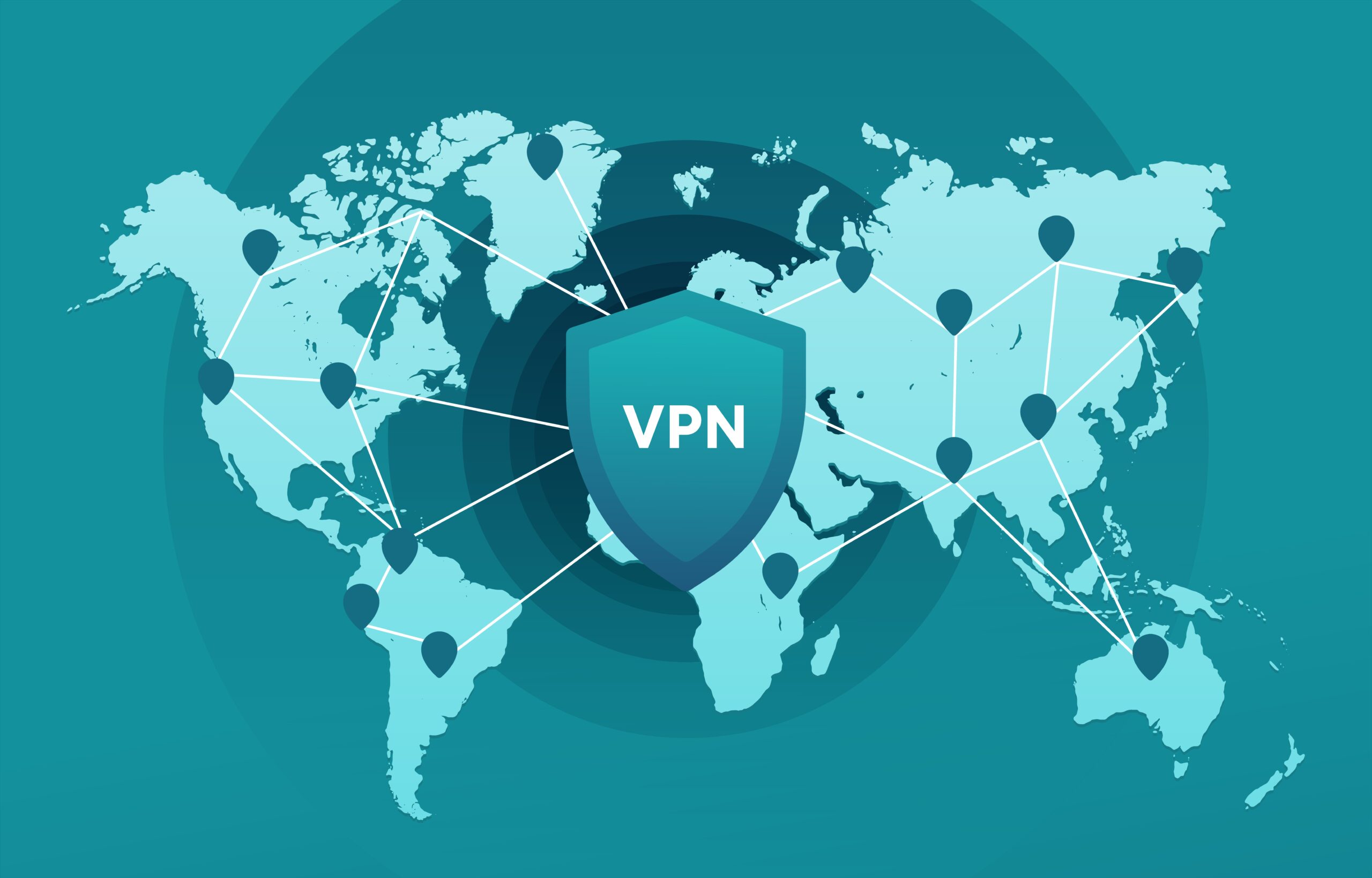
VPN stands for Virtual Private NetworkA VPN establishes a secure connection between your device and an external VPN server. Internet traffic sent via this connection first passes through an encrypted tunnel.
Without a VPN, your device usually connects directly to websites and online services. In doing so, your public IP address is visible to the websites you visit. When you activate our free VPN, the connection is routed through the VPN server. As a result, websites normally see the public IP address of the VPN server instead of the IP address of your own internet connection.
A VPN is especially useful when you use:
- public Wi-Fi in a hotel;
- Wi-Fi in a restaurant or café;
- a network at school or the office;
- public Wi-Fi at an airport;
- a shared or temporary network.
However, a VPN does not automatically protect against viruses, phishing, malicious downloads, or unsafe websites. Therefore, always be cautious with links, files, and websites that you do not trust.
Free VPN via WireGuard
For our free VPN, we use wire guardWireGuard is a modern VPN protocol developed as a simple, fast, and secure way to set up encrypted network tunnels. The protocol sends encrypted IP packets via UDP and uses public and private keys to allow devices and VPN servers to communicate securely with each other.
WireGuard uses modern cryptographic techniques, including ChaCha20 for encryption, Poly1305 for authentication, Curve25519 for key exchange, and BLAKE2s for hashing.
An important advantage of WireGuard is that the software is relatively straightforward and user-friendly. After installation, you only need to import Sanum's configuration and activate the tunnel.
How does Sanum's free VPN work?
The use of our free VPN service consists of four simple parts.
1. Install WireGuard
Always download WireGuard from the official website:
On this page, you will find the available WireGuard apps and installation instructions for, among others:
- Windows;
- mac OS;
- Android;
- iPhone and iPad;
- Linux;
- various other operating systems.
The official installation page refers to the available apps and installation packages for the supported systems.
2. Request your free VPN key
Next, contact Sanum and mention that you want to make use of the free VPN via WireGuard.
You can use our contact page for this:
Request a free VPN key from Sanum
We will create a personal WireGuard configuration for you. This can consist of a configuration file or a configuration that you can import using a QR code.
Each configuration contains the necessary details to securely connect your device to the VPN server. Therefore, never share the received configuration file or QR code with others.
3. Import the configuration into WireGuard
Open the WireGuard app after receipt.
On Windows or macOS, you usually choose an option such as:
Add tunnel → Import tunnel from file
Next, select the configuration file that you received from Sanum.
On Android or iOS you can usually:
- import a configuration file;
- scan a QR code;
- manually add a tunnel.
WireGuard works with keys and predefined peer credentials. The configuration determines, among other things, which server you connect to and which traffic is routed through the VPN tunnel.
4. Activate the VPN tunnel
After the configuration has been imported, a new tunnel appears in the WireGuard app. Optionally, give the tunnel a recognizable name, for example:
Sanum Free VPN
Then turn on the switch. As soon as the tunnel is active, the configured internet traffic will be routed through the VPN server.
You can disable the connection by turning the same switch off again.

What can Sanum see when you use the VPN?
Privacy is an important part of our free VPN service. We do not use the VPN to collect your browsing history, search queries, or personal communications.
The traffic between your device and our VPN server is encrypted by WireGuard. As a result, people on the same public Wi-Fi network cannot simply read the traffic in the VPN tunnel.
Websites that use HTTPS also encrypt the content between your browser and the website in question. As a result, the VPN server cannot simply read passwords, payment details, or the content of secure HTTPS pages.
Sanum is based on the following principle:
- do not save browsing history;
- do not register search queries;
- do not analyze content of internet traffic;
- do not build personal browsing profiles;
- do not sell user data;
- process only technically necessary data.
Setting up and maintaining a VPN connection may temporarily require technical data, such as the IP address from which the WireGuard client connects, the time of the connection, and the amount of data traffic. For example, WireGuard needs to know from which network endpoint a correctly authenticated connection originates in order to return encrypted packets to the correct device.
This technical processing does not mean that we want to track your browsing history. The sole purpose is to keep the VPN connection technically feasible, stable, and secure.
Are you completely anonymous with a VPN?
A VPN provides significantly more privacy, but no reliable provider can promise that someone is completely anonymous under all circumstances.
A VPN can mask your own public IP address, but websites may still be able to recognize you via:
- cookies;
- logged-in accounts;
- browser settings;
- device features;
- tracking pixels;
- information you fill in yourself;
- browser fingerprinting.
For example, if you are logged in with your personal Google, Facebook, or Microsoft account, the relevant service can still link your activity to that account.
Moreover, WireGuard focuses on a strong and efficient encrypted VPN tunnel, not on hiding the fact that WireGuard traffic is being used. The developers explicitly state that WireGuard itself was not designed as an obfuscation technique.
Our free VPN therefore helps to secure your connection and mask your own IP address, but should not be seen as a guarantee of absolute anonymity.
Is the VPN really free and unlimited?
Sanum's WireGuard VPN is made available for free. There are no monthly subscription fees and no fixed data bundle.
To keep the service available and stable, a fair use policy applies. The VPN may not be used for:
- spam or large-scale automated sending;
- cyberattacks or unauthorized access;
- distribution of malware;
- copyright infringement;
- illegal activities;
- overloading of our infrastructure;
- sharing or reselling VPN configurations.
In case of misuse, a VPN key may be blocked. This protects both our infrastructure and the other users of the free service.
Benefits of our free VPN
Sanum's free VPN is intended for users who want to browse the internet more securely without a complicated subscription.
Completely free
You do not pay any monthly subscription fees for the VPN key.
No fixed data limit
There is no pre-set monthly data bundle. Normal and fair use is permitted.
Modern WireGuard technology
WireGuard is designed as a fast, simple, and modern VPN solution with strong cryptography.
Easy to install
You only need to install WireGuard and import the received configuration.
Suitable for multiple devices
WireGuard is available for major desktop and mobile operating systems.
More privacy while browsing the internet
With an active connection, websites normally see the IP address of the VPN server instead of the public IP address of your own connection.
Request a free VPN key
Do you want to use Sanum's free VPN? Then follow these steps:
- Download WireGuard via the official website.
- Install the app on your device.
- Contact Sanum.
- Request a free WireGuard VPN configuration.
- Import the received file or scan the QR code.
- Activate the tunnel and start browsing the internet more safely.
Contact us and request your free VPN key
Please mention in your message which device you are using, for example Windows, Android, macOS, or iPhone. That way, we can include the correct instructions for the configuration.
Frequently asked questions about the free VPN
How much does the free VPN from Sanum cost?
The VPN is offered for free. There are no monthly subscription fees. However, a fair use policy applies to prevent abuse and overload.
Do I need technical knowledge?
No. You install WireGuard, import the received configuration file, and then activate the VPN tunnel.
Can I use the VPN on my phone?
Yes. WireGuard is available for Android, iOS, Windows, macOS, and Linux, among others.
Is my connection encrypted?
The traffic between your device and the WireGuard VPN server is encrypted by the WireGuard tunnel.
Can Sanum see my passwords?
On websites that use a valid HTTPS connection, the content between your browser and the website is encrypted separately. In accordance with the service's principle, Sanum does not store browsing history or personal browsing profiles.
Can I share the configuration with someone else?
No. Every configuration is personal. Sharing your configuration can reduce security and may result in the key being blocked.
Does a VPN make me completely anonymous?
No. A VPN protects your IP address and connection, but cookies, logged-in accounts, and browser recognition can still identify you.
Why do I need to get in touch?
Sanum creates a separate configuration for each user. This allows keys to be managed individually and revokes a lost or misused key without affecting other users.
Browse the internet for free and more securely with WireGuard
With the free VPN from Sanum You can easily use an encrypted WireGuard connection without subscribing to a paid VPN plan. You install the official WireGuard app, request a personal VPN key from us, and import the received configuration.
After that, you can connect to the VPN server with a single switch. Your own public IP address is hidden from visited websites, and the traffic between your device and the VPN server is encrypted.
Install WireGuard and contact us to request your free configuration.
Start today with our free VPN and use WireGuard to browse the internet more securely and with more privacy.